🔐 Login
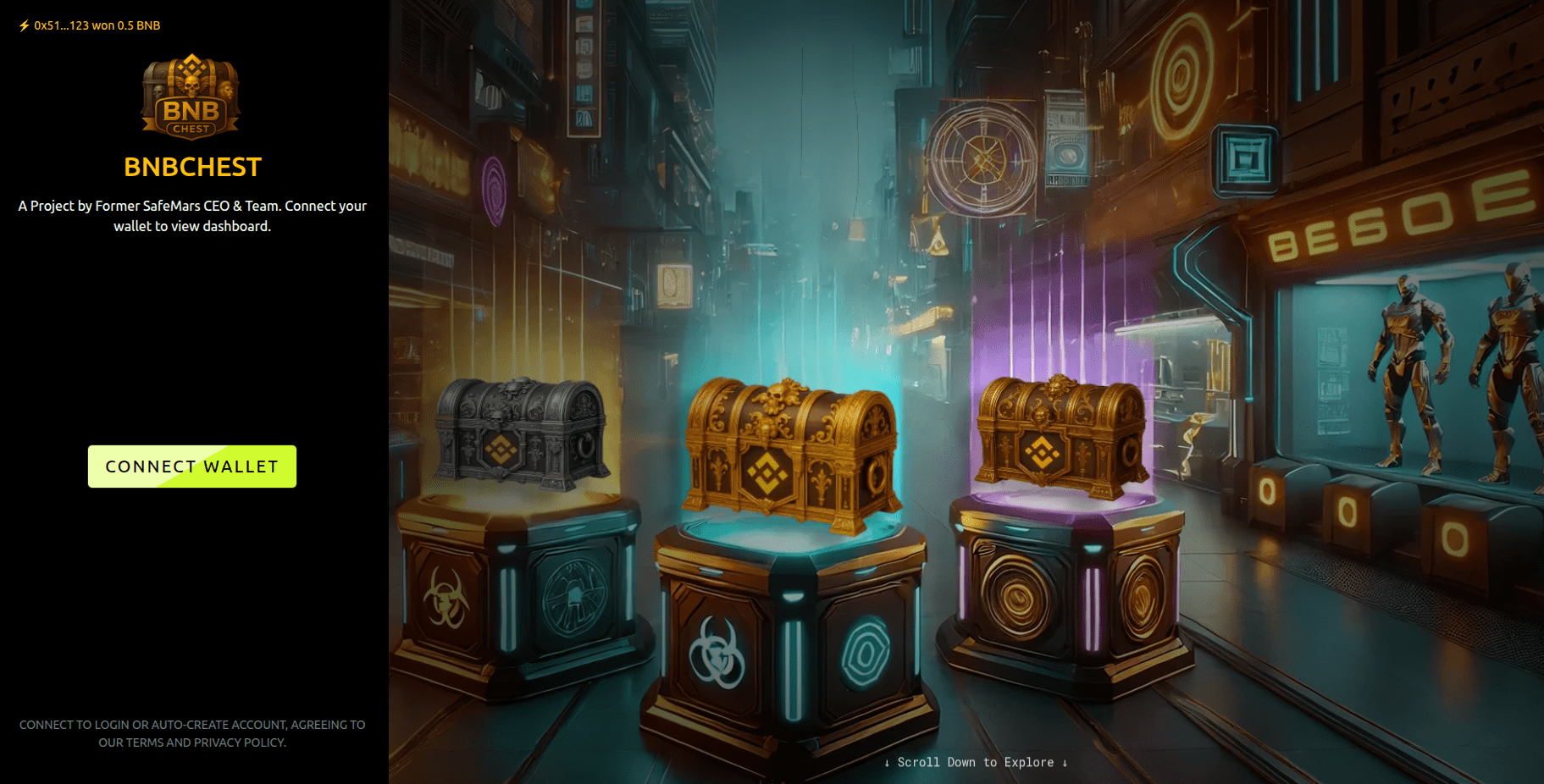
The Login page lets you enter the Realm using one of the supported wallets (e.g., MetaMask, Trust Wallet, WalletConnect-compatible apps).
💡 There is no gas fee to log in — authentication is done by signing a message, not sending a transaction.
When you log in for the first time, an account is created for your wallet address.
This works like a username on a traditional site.
🔒 What We Store (and What We Don’t)
- ✅ Stored: Your public wallet address (used as your account ID).
- ❌ Not stored: Private keys, seed phrases, or any sensitive wallet data.
- 🚫 No permissions to move funds: We never request spending approvals during login.
- 💸 No gas: The login signature is free and entirely off-chain.
- 🛡️ Security first: Everything is 100% SAFU.
🧭 How to Log In
- Click the Enter the Realm button on the Home Page.
- Choose your preferred wallet (MetaMask, Trust Wallet, etc.).
- Approve the connection prompt in your wallet.
- Sign the one-time message (no fee).
- You’ll be redirected to your Dashboard to begin your journey in BNBChest.
🧠 You can log out or switch wallets at any time. Each wallet address maps to a unique account.
🧹 Troubleshooting
If you’re having trouble logging in, try the following:
- 🔓 Make sure your wallet is unlocked.
- 🌐 If prompted, switch to BNB Chain (BSC).
- 🔁 Refresh the page or click Reconnect Wallet.
- 📱 On mobile, use the built-in browser in your wallet app (MetaMask/Trust Wallet).
- 🧼 Clear browser/site permissions if a previous session is stuck.
- 🛡️ Temporarily disable aggressive privacy/ad blockers that may block wallet scripts.
Still having issues? Reach out to us for help:
- 🐦 Twitter (X): @BNBCHESTBSC
- 💬 Telegram: @BNBChest
We’ll help you get set up and inside the Realm quickly.